Agentic Workflows for Game Dev: AI That Takes the Pain, Not the Work
AI agents are starting to live inside CI/CD pipelines, not just in editors. For game studios on Perforce, Jenkins, and Jira, three specific loops are worth paying attention to. A few are worth staying away from. Here's the framework, and what's coming next.

- Game Dev
- CI/CD
- Pipeline
- Automation
- Best Practices

This is Part 2 of the “Agentic Game Dev” series. Part 1: The Manifesto → Part 2: The Framework → Part 3: Asset Validation → Part 4: Build Failure Investigation → Part 5: Pipeline Insights → Part 6: Dogfooding Our Perforce Agent → Part 7: Butter Up! Devlog #1 → Part 8: Butter Up! Devlog #2.
It’s 11 PM. You’ve been staring at a Jenkins log for forty minutes.
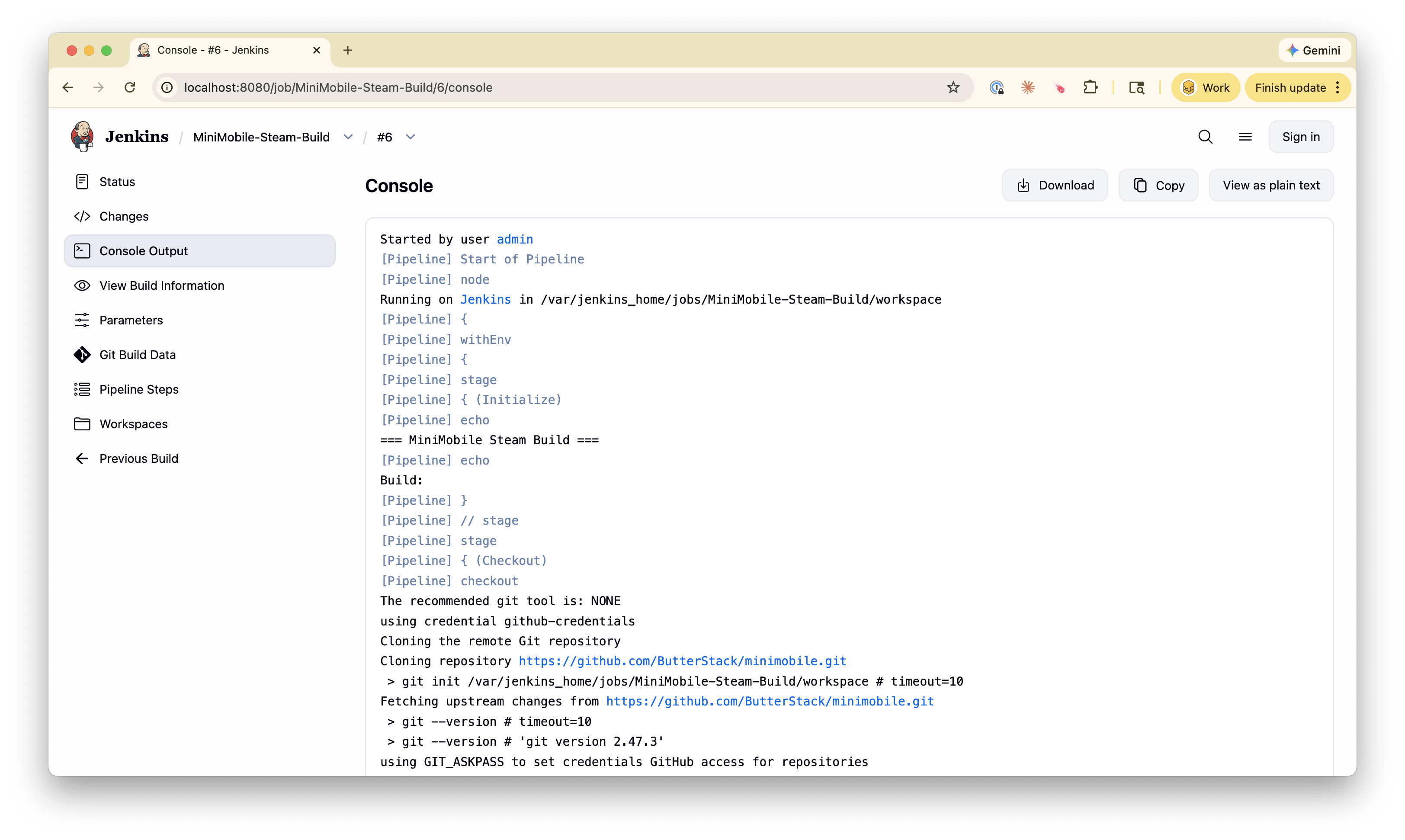
The build failed. The error is some flavor of LinkError: undefined symbol across three different modules. You scroll up. Three thousand lines of cook output. You scroll down. Ten thousand lines of stack traces. Somewhere in this haystack is the changelist that broke it, the person who made the change, and probably a one-line fix once you find them.
You start the archaeology. Open Perforce. Look at recent CLs. Open Jira. Search for tickets touching the affected module. Open Slack. Ask if anyone’s seen this error before. Forty more minutes pass. You find the CL. The fix takes ninety seconds.
You spent eighty minutes finding a problem you fixed in ninety seconds.
That ratio is the problem. And it’s the kind of problem AI agents are starting to be useful for.
The Question Has Changed
When I worked with game studios at Perforce, the question I heard every week was: “How do I get visibility into my pipeline?” That question hasn’t gone away. There’s a new one stacked on top of it: “Can AI just answer this for us?”
Six months ago I would have said no. At least not in any way I’d trust to put near a Shipping build. Today I think there are three specific places where the answer is “yes, and you should already be thinking about it.”
I’m not talking about agents that write your gameplay code. That’s a different conversation, with different risks, and the studios I talk to have stronger opinions on it than I do. I’m talking about pipeline agents: AI that reads build logs, correlates changelists with failures, runs asset validation, and surfaces answers to the questions you’d otherwise spend an hour assembling. The kind of work nobody enjoys doing.
This series is about those agents. Today’s post is the framework: the boundaries, the trust model, and the three loops worth investing in. The next three posts deep-dive each loop in turn:
- Part 3: Asset validation. Catching the 2 AM texture break before the morning standup discovers it.
- Part 4: Build failure investigation. Cutting eighty-minute archaeology expeditions down to two-minute reads.
- Part 5: Pipeline insights. Answering the publisher question, the ownership question, the trend question. Without anyone losing an afternoon to a spreadsheet.
Before any of that, the ground rules.
What “Agentic” Actually Means
Strip the marketing off the word. An agentic workflow has four parts:
- An event. A Perforce submit, a Jenkins failure, a scheduled cron, a label added to a Jira ticket.
- A scope. What the agent can read, what it can do, and where it must stop.
- An action. Reading logs, running a validator, opening a draft PR, posting a Slack message, generating a report.
- A handoff. The result lands in front of a human, who decides what to do next.
That last part is the one most articles skip past. It’s also the most important. An agent that opens a draft pull request and waits is fundamentally different from an agent that merges the PR and notifies you afterward. Game studios should be building only the first kind, at least for now. We’ll get to why.
The Trust Spectrum
There’s a useful framing some teams call the trust spectrum. Four levels of how much rope you give an agent:
| Level | Agent does | Human does | Where it fits in game dev |
|---|---|---|---|
| Assist | Suggests changes in chat or comments | Implements everything | Code review hints, “did you mean to change this asset’s dimensions?” |
| Draft | Opens PRs, drafts reports, files tickets | Reviews and merges or approves | Build failure summaries, asset validation findings, sprint reports |
| Auto-merge | Merges low-risk PRs after CI passes | Monitors | Maybe: dependency bumps for tooling. Probably not: anything in your game runtime. |
| Autonomous | Full lifecycle | Sets guardrails only | No. Not for shipping a game. |
If you take one thing from this post, take this: for any work that touches a Shipping build or a cert submission, stay at Draft. Maybe Assist. Never Auto-merge, never Autonomous.
The cost of a console cert failure is measured in weeks, sometimes months. The savings from automating away the human review aren’t worth that risk on the day the agent gets it wrong. And it will get it wrong.
Web teams can experiment with Auto-merge because their rollback is a thirty-second redeploy. Yours isn’t. From the deployment post: “rollback in games usually means push a new build that reverts the change.” That’s not a rollback. That’s another release cycle.
Why Game Pipelines Are Particularly Fragmented
Pipeline agents shine in the seams between tools. The more seams you have, the more value an agent can add. Game studios have unusually many seams.
A typical web team’s CI/CD pipeline lives in two or three systems: a Git host, a CI runner, maybe a deployment service. Most of it speaks the same protocol.
A typical game studio’s pipeline:
- Version control: Perforce for binary assets, sometimes Git for tooling, sometimes both
- CI: Jenkins (often), with platform-specific build agents that can’t run in the cloud
- Task management: Jira, sometimes a parallel art board (Hansoft, Monday, Codecks)
- Communication: Slack or Discord for notifications, email for cert correspondence
- Distribution: Steam, Epic, console developer portals, each with their own upload tooling
- Engine output: Unreal cook logs, Unity build reports, shader compilation traces
These don’t talk to each other. The “what happened?” question requires a human to assemble the answer from six places. That assembly job is exactly the one agents are good at, and exactly the one engineers should not be spending their nights on.
This is where pipeline observability lives. It’s also where pipeline agents live. The agent isn’t replacing your tools. It’s reading across them.
The Three Loops
In the next three posts, each loop gets its own deep-dive. Here’s the preview.
Loop 1: Asset Validation
The pain is the overnight texture break, covered in our asset ownership post. An artist changes a shared material to fix a lighting issue. It looks correct in their test scene. It silently breaks five other levels across three platforms. Nobody notices until the morning standup.
The loop: a Perforce submit triggers an agent. The agent reads the changelist, walks the dependency graph, checks naming conventions, file sizes, formats, and references. If something looks off, it files a Jira ticket or posts a comment back to the CL. The artist still owns the fix. They just don’t lose a day finding out it broke.
Loop 2: Build Failure Investigation
The pain is the eighty-minute archaeology expedition we opened with. Or the build guy on paternity leave, the studio that couldn’t ship for three weeks because no one else knew the Jenkins configuration.
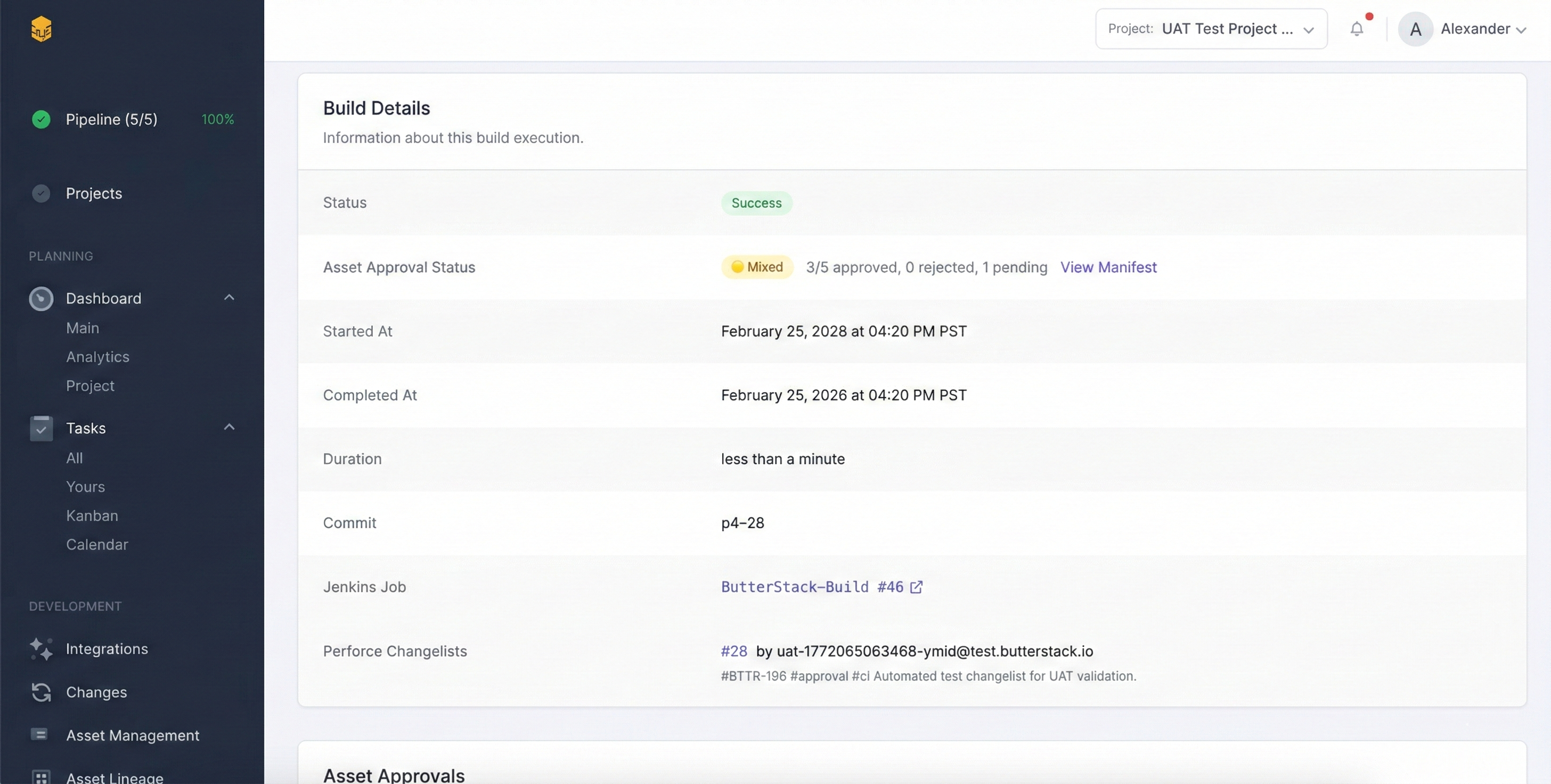
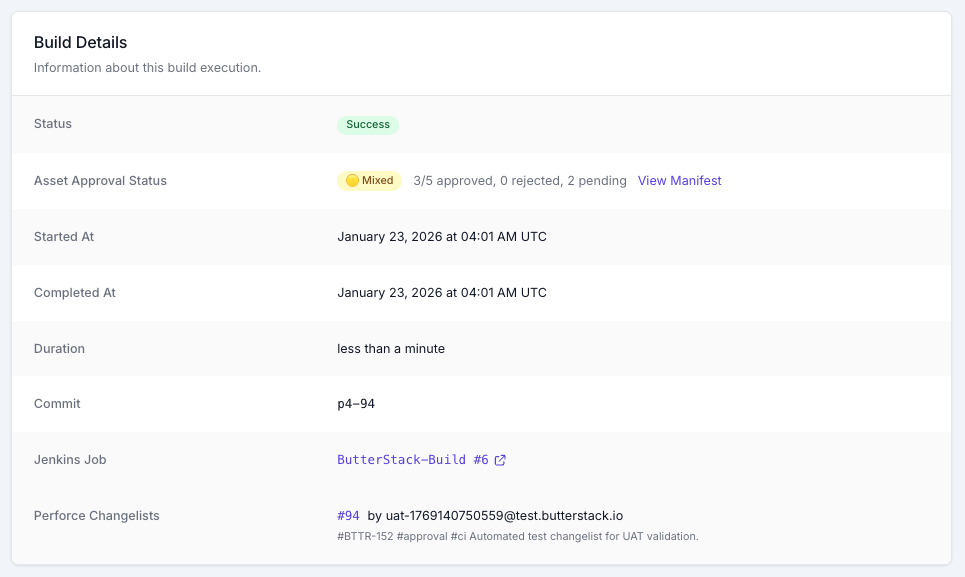
The loop: Jenkins fails, the agent reads the log, classifies the failure (compile, linker, cook, shader, test, timeout, OOM, dependency, config), correlates the triggering changelist, and posts a summary to Slack. The engineer still diagnoses and fixes. They just start from “here’s what likely broke and why” instead of from a ten-thousand-line log.
Loop 3: Pipeline Insights
The pain is the publisher question, also from the asset ownership post. “Show me all UI changes this sprint for the compliance review.” Three hours of digging through changelists, cross-referencing tickets, and building a spreadsheet you’re “pretty sure” is complete.
The loop: scheduled or on-demand, the agent queries across Perforce, Jenkins, Jira, and your task system. It assembles the report with links and sources. The producer reads it in two minutes, sends it after a quick scan. The “are we trending the right way?” questions (frame time, build duration, asset approval cycle) get the same treatment.
What Agents Shouldn’t Do
Be honest about the failure modes. Translated to game dev:
Plausible but wrong. An agent attributing a build failure to the wrong changelist is worse than no agent at all. It sends the engineer down the wrong path with confidence. Mitigation: the agent shows evidence, not verdicts. “CL 45782 modified the affected module 12 minutes before the failure” is useful. “CL 45782 caused this failure” is not.
Scope creep. An agent told to fix asset naming might decide to also reorganize your folder structure. Mitigation: tight scopes per agent. One job, one boundary, one output type.
Test-dependent quality. If your test suite doesn’t catch console-specific issues, an agent operating on test results won’t catch them either. The agent inherits your blind spots.
Cost blowouts. A misconfigured trigger that fires on every commit to every branch in a 50-person studio is a cloud bill nobody wants to receive. Mitigation: rate limits, scoped paths, kill switches.
The cert failure risk. This one is specific to us. If an agent is involved in any path that ends in a cert submission, the human gate before submission has to be unmissable. Cert failures cost weeks. The right place for an agent in cert is catching compliance issues earlier, not approving anything.
Where ButterStack Fits
ButterStack’s job is the visibility layer across your pipeline. The connective tissue between Perforce, Jenkins, Jira, and the rest. That same connective tissue is what makes pipeline agents possible. An agent that can’t read across your tools can’t help you. The fragmentation is the constraint.
We already ship AI build failure analysis: categorizing build failures, attributing them to the likely triggering changelist, learning patterns over time. The next three posts in this series describe loops that go further than where the product is today. They describe a direction we think the industry is moving, more than they describe a finished feature set. Read them as a working hypothesis from someone who has spent a long time staring at the seams between game-dev tools.
If those loops sound like the kind of pain you’d like to give back to a pipeline instead of an engineer, I’d genuinely like to hear which one matters most to your team.
Where to Start
You don’t need to deploy an agent to get value from this post. The framework alone is useful:
- Map your seams. List the tools your pipeline lives in. Every place data has to be carried by hand from one tool to another is a candidate for a loop.
- Pick your highest-pain seam. For most studios, this is build failures or asset validation. For TDs and producers, it’s reporting.
- Start at Draft level. Whatever you build first, have it open a draft, file a ticket, post a message. Don’t have it merge, deploy, or auto-resolve.
- Measure the give-back. How many engineer-hours did the loop save in the first month? If it’s less than five, the loop is wrong. Tune it or kill it.
In Part 3, we’ll dig into the asset validation loop. Specifically: what an agent should and shouldn’t check, where the dependency graph comes from, and why the two-stage pattern (automated first, human second) is the only one that works for art teams.
Thanks!
Ryan L’Italien
Founder and CEO of ButterStack
Want to see what pipeline observability looks like? Try ButterStack free and connect your first integration in minutes.
Or just email me at: ryan@butterstack.com.