Loop 1: Asset Validation Without the 2 AM Surprise
Most asset breaks are obvious in hindsight. A shared material gets edited. A referenced prop gets deleted. A texture gets uploaded at the wrong dimensions. The first agentic loop worth thinking about is one that finds these the moment they happen, not at the morning standup.

- Asset Management
- CI/CD
- Pipeline
- Automation
- Perforce

This is Part 3 of the “Agentic Game Dev” series. Part 1: The Manifesto → Part 2: The Framework → Part 3: Asset Validation → Part 4: Build Failure Investigation → Part 5: Pipeline Insights → Part 6: Dogfooding Our Perforce Agent → Part 7: Butter Up! Devlog #1 → Part 8: Butter Up! Devlog #2.
A texture artist changes a shared material to fix a lighting issue in a test scene. The change looks great. She submits the CL, closes her laptop, and goes to dinner.
The material is referenced by five different levels across three platforms. Two of those levels are in the nightly build. Three of them aren’t.
By morning standup, the PS5 nightly build is red. Nobody’s sure why yet. Someone opens Jenkins. The cook log is forty thousand lines. Someone else opens Perforce, scans recent CLs, doesn’t see anything obvious. The artist who made the change is heads-down on her next ticket. She doesn’t realize her name is about to come up in a Slack thread for the next forty minutes.
This is the loop’s whole reason to exist. The break was preventable. Not by the artist working differently. She did her job. It was preventable by something checking, at the moment of submit, whether her change had blast radius beyond what she could see.
What This Loop Actually Is
A loop in this series is four parts:
- Trigger. Perforce
change-commitfires on a CL touching//depot/Content/.... - Read. The agent reads the CL, the affected files, and the dependency graph that knows what else references those files.
- Check. The agent runs a stack of validations. The kind we already covered in Part 4 of the pipeline series (texture dimensions, naming, file size, format). And the kind that requires cross-asset awareness (dependency blast radius, phantom references, reference cycles).
- Surface. If something is off, the agent files a Jira ticket against the originating task or posts a comment back to the CL. If nothing is off, it stays silent.
That’s it. The agent doesn’t revert the CL. It doesn’t auto-fix anything. It doesn’t rate the artist’s work. It checks, and it tells.
If that sounds boring, that’s the point.
What Static Validation Already Catches
We documented an asset validator in Part 4 of the pipeline series. It runs as a Jenkins stage, scans textures and meshes against rules, and rejects builds that violate them. If you don’t have this yet, build it before you build anything agentic. It’s table stakes.
The static rules typically cover:
- Textures: dimensions, power-of-two, allowed formats, file size, naming conventions
- Meshes: file size, LOD presence, naming
- Audio: format, sample rate, file size
- General: path conventions, casing, forbidden characters
These rules are mechanical. They don’t need an agent. A Python script and a Perforce trigger get you eighty percent of the value.
The remaining twenty percent is what the agent buys you.
What an Agent Adds
Static rules check whether an asset is valid in isolation. They can’t check whether an asset is safe to land in the project. That’s the gap.
Dependency Blast Radius
A material is referenced by levels. A level is referenced by a sublevel. A sublevel is referenced by a streaming volume. When the artist edits the material, she has visibility into one node in that graph. Everything downstream is invisible to her until something breaks.
An agent with read access to the dependency graph can answer the question she can’t: what else does this change? Not in the philosophical sense. In the literal sense. Which other files, levels, builds, and platforms touch this asset.
The output isn’t “you can’t submit this.” It’s a comment on the CL: “This change affects 5 levels. 2 are in the nightly Win64 build. 3 are PS5-only. Lighting validation tests recommended.” The artist decides whether to proceed. She has the information she needs to decide.
Phantom Reference Detection
The asset ownership post described the phantom reference problem. A level checks in a reference to a prop that was deleted last week. The build doesn’t fail immediately because the reference is lazy-loaded. Two days later, QA reports an unreproducible crash. Someone eventually traces it to the missing reference, but not before burning a day of debugging.
This is exactly the kind of check that’s hard to do with static rules and easy to do with cross-asset awareness. The agent reads the CL, sees the new reference, looks up whether the target exists in the current depot state, and flags the orphan before the build runs.
Soft Convention Checks
Naming conventions can be enforced as regex. “Does this character mesh look like other character meshes in the same folder?” can’t. The agent can flag plausible-but-suspicious patterns. A mesh named SM_Hero_v2_FINAL_real that doesn’t match the convention used by every other mesh in Characters/Hero/ is a flag worth raising. Not blocking. Just raising.
This kind of check is exactly where agents introduce risk. The agent might be wrong. The convention might have a legitimate exception. The mitigation is the same one from Part 2: surface evidence, not verdicts. “This naming pattern doesn’t match the 47 other meshes in this folder” is a hint. “Reject this asset” is a decision the agent shouldn’t be making.
The Two-Stage Pattern
The right structure for asset validation is two stages, in order.
Stage 1: Automated, on every CL. Fast, deterministic, conservative. Runs the static rules. Runs the agentic checks that have evidence. Output: a comment, a ticket, or silence.
Stage 2: Human review, only on what passed Stage 1. Art director or lead reviews the assets that need subjective judgment. “Does this character model look right?” “Is this lighting working?” “Does this animation feel correct?”
Stage 1 saves Stage 2’s time. The art director should never be the first person to see a 16K non-power-of-two texture. The agent should flag it on submit, with a polite explanation, and the artist should fix it before it ever reaches review.
This pattern is also the answer to the obvious question: will the agent slow down my artists? No. The agent is fast. Milliseconds to seconds per CL. The only people it slows down are the ones who would have shipped a broken asset, and slowing them down is the whole point.
What the Agent Should Never Do
The boundary on this loop is sharp.
Never auto-revert a CL. Reverting is destructive. The agent flags. The artist or lead decides.
Never block a submit. Perforce blocking triggers are a special kind of hell. Get the regex wrong and you’ve locked the studio out of committing. Run validations after the submit completes. The CL is in. The flag goes to the artist. They can shelve, fix, and resubmit.
Never make subjective calls. “Does this look right?” is not the agent’s question. “Does this match the documented rules?” is.
Never override the art director. If a lead has approved an exception (“this character is intentionally non-power-of-two for a stylized look”), the agent should respect the approval. This means the system needs a way to record exceptions. Without that, the agent will be right ninety-five percent of the time and wrong on the five percent that matters.
Never touch binary art content. The agent reads. It doesn’t edit textures, meshes, or shaders. The temptation to “auto-fix” a 4097x4096 texture by resizing to 4096x4096 is real. Don’t do it. The artist did it for a reason. Or maybe they didn’t, but reverting their intent silently is worse than flagging the issue and letting them decide.
What This Loop Could Enable
This is the part to read with the appropriate skepticism. Everything below is what a well-built validation loop could enable. None of it is a feature in any product I’d point you at today, including ours.
- Asset-level review queues sorted by risk. The agent ranks flagged assets by impact, not by submit time. The art director’s morning queue is the twelve assets with the largest blast radius, not two hundred and forty assets in chronological order.
- Onboarding hints for new artists. First three CLs from a new contributor go through the same validation as everyone else, plus a softer set of hints about studio conventions. “We tend to put hero character textures in
Content/Characters/Heroes/. This one is inContent/Misc/.” Nothing punitive. Just orientation. - Cert pre-flight at the asset level. Console certification has rules that touch assets: texture compression, audio format, localization completeness. Most of those rules are static. Some require cross-asset awareness. An agent that’s already reading dependencies can flag cert-relevant violations months before submission, not weeks.
- Cross-discipline traceability. A texture change that affects a level that affects a feature ticket links the artist’s CL back to the original task and the assigned engineer. Standups become “PROJ-456 is on track, two related asset changes landed yesterday, no flags” instead of “I think the inventory work is going well.”
These are aspirational. The reason to write them down is that they’re achievable from the same connective tissue that makes the basic loop work. If you’re building visibility across your pipeline, you’re already building most of what these capabilities need.
Where ButterStack Fits
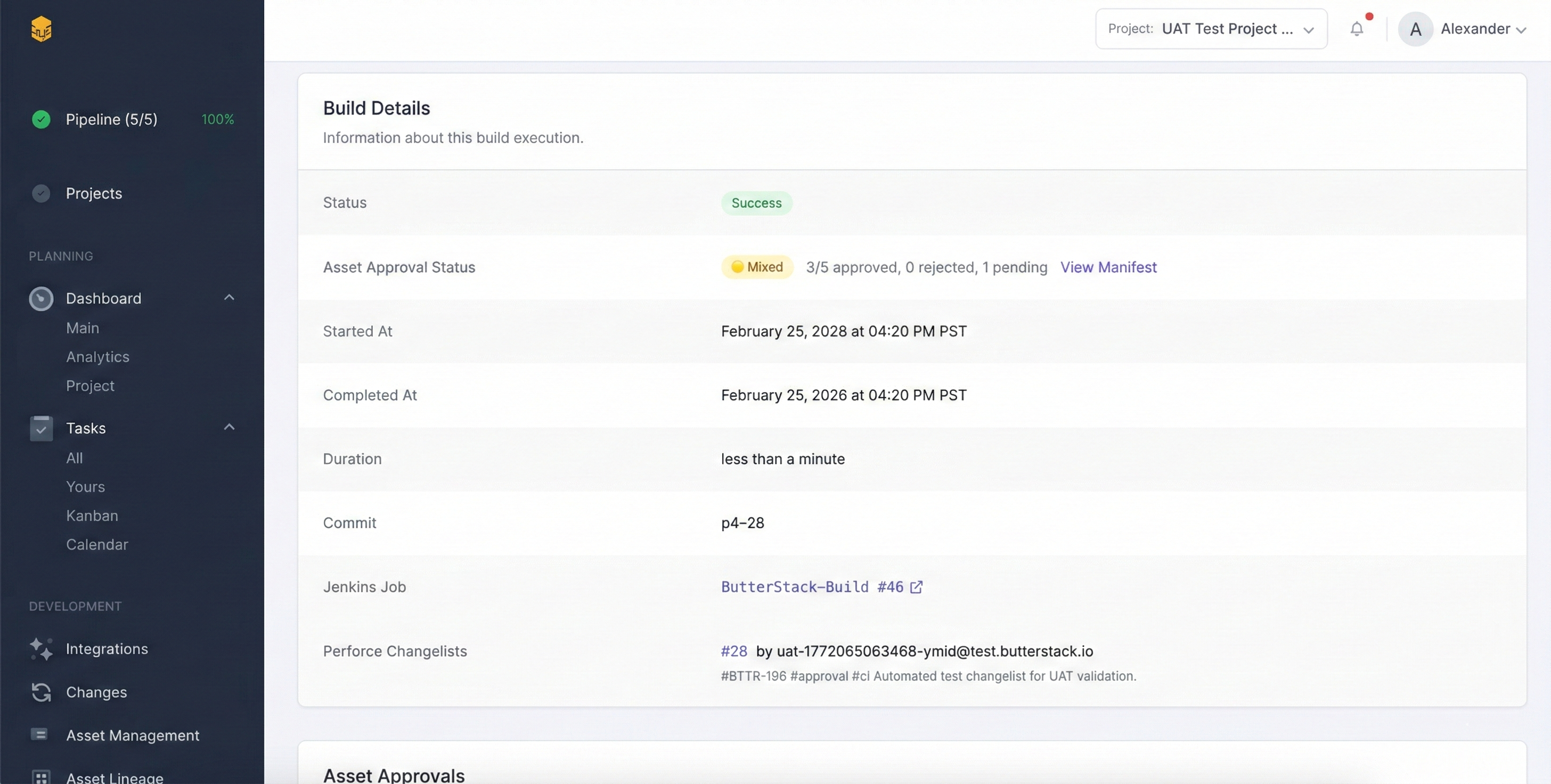
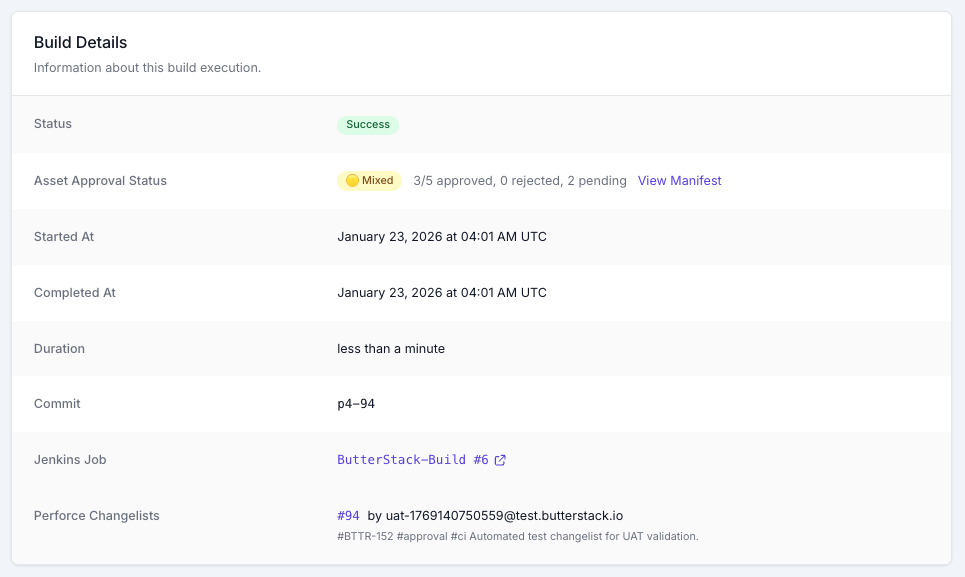
ButterStack tracks asset lineage and approval workflows across Perforce and Jenkins. The asset validation loop described here is a direction the visibility layer can grow into, not a feature it ships today. The connective tissue is what makes the rest possible.
If asset validation is the loop that hurts your team most (the 2 AM texture break, the phantom reference, the publisher cert audit), I’d genuinely like to hear how you’re handling it now and where the pain is loudest.
Where to Start
If you don’t have static asset validation yet, build that first. The validator from Part 4 of the pipeline series is a starting point. Get it running as a Jenkins stage. Reject builds that violate it. That’s a week of work and it pays for itself the first time it catches an uncompressed 8K UI texture before the build wastes an hour cooking it.
Once that’s stable, the agentic layer is additive. The dependency graph is the prerequisite. If your pipeline can answer “what references this asset?”, you can build the rest.
Part 4 covers the build failure investigation loop. What to do when Jenkins is red and the engineer doesn’t want to spend the next hour reading log files. The pattern is similar to this one: the agent reads, classifies, surfaces. The engineer still diagnoses and fixes. Just from a better starting point.
Thanks!
Ryan L’Italien
Founder and CEO of ButterStack
Want to see what pipeline observability looks like? Try ButterStack free and connect your first integration in minutes.
Or just email me at: ryan@butterstack.com.